design
Custom-Branded QR Codes: Add a Logo and Colors With a Free QR Code Generator
How error correction lets you overlay a logo on a QR code, the contrast and quiet-zone rules that keep it scannable, and the static-vs-dynamic catch.
Published 2026-06-09 · 8 min read
Affiliate disclosure
Some links below are affiliate links. I may earn a commission from qualifying purchases at no extra cost to you. Recommendations come from published specifications and independent reviews, not hands-on testing.
TL;DR
- A plain black QR code works fine. A branded one — logo, brand color, a frame — reads as trustworthy and tends to get scanned more, especially on packaging and signage where a naked code looks like spam.
- You can drop a logo in the middle because of error correction. QR codes use Reed–Solomon redundancy, and Level H recovers up to 30% of the data. The logo is just "damage" the code repairs.
- Two rules keep a branded code scannable: contrast (dark modules on a light background, ~3:1 minimum) and the 4-module quiet zone (the white margin you must not crop).
- Static vs dynamic is the real decision. Static lives forever and costs nothing; dynamic adds editable targets and analytics but makes your printed code permanently dependent on a third-party redirect host that can charge you or shut down.
- AnyTools' free QR code generator makes static codes: private, no account, no tracking, no redirect to depend on.
Why brand a QR code at all?
Let me be honest up front: a plain black-and-white QR code scans perfectly. The branding is not a technical requirement — it's a trust and conversion play.
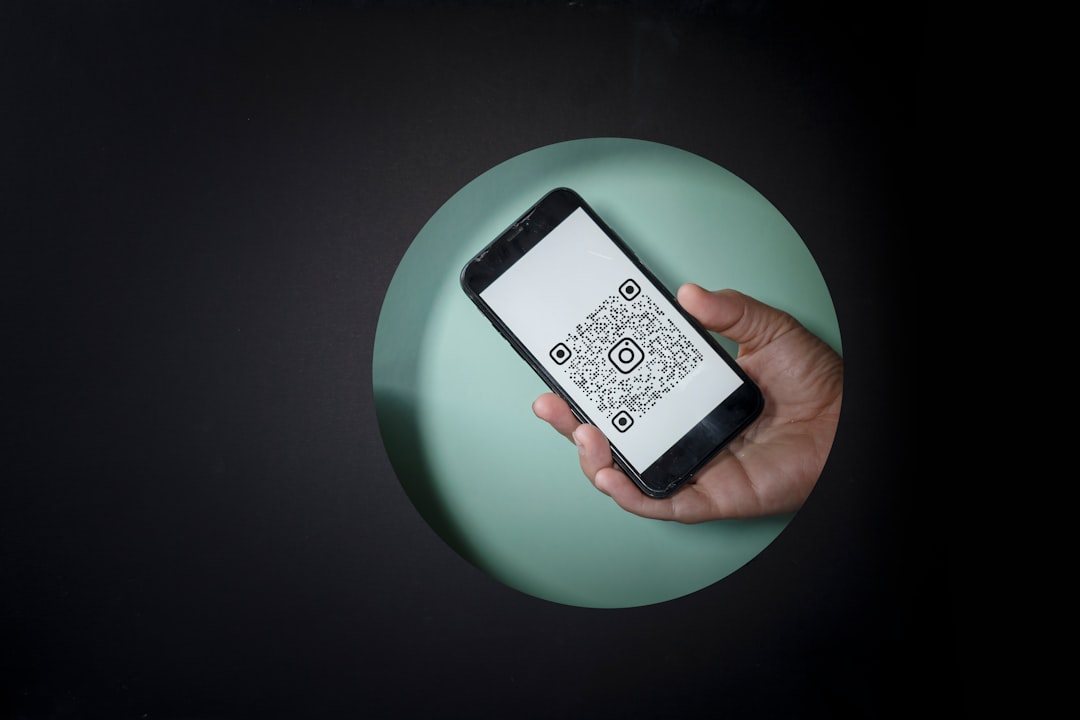
A naked QR code on a poster or a product box looks like every sketchy parking-lot sticker and phishing flyer you've been told to avoid. People hesitate. Put your logo in the middle, use your brand color in the modules, wrap it in a frame that says "Scan for menu," and the same scan suddenly looks intentional and safe. That's the entire reason branded QR codes exist: not better scanning, better believing.
The risk is that people get greedy with the styling and break the one thing that has to work — the scan. So this guide is about how to brand a code without crossing that line. The good news is the QR spec was designed for exactly this kind of abuse.
How error correction makes a logo possible
QR codes are an ISO standard — ISO/IEC 18004:2024 — invented in 1994 by Masahiro Hara at the Japanese company Denso Wave. They were built for factory floors, where labels get scratched, smudged, and torn. So the format bakes in redundancy: even a partially destroyed code can still be decoded.
That redundancy is Reed–Solomon error correction, which on a QR code operates over the finite field GF(2⁸), per the QR code technical reference. You don't need the math — you need the consequence. There are four error-correction levels, and each one trades data capacity for how much of the code can be lost and still recovered:
| Level | Data recovery | Use it for |
|---|---|---|
| L (Low) | ~7% | Clean, large, indoor codes, no overlay |
| M (Medium) | ~15% | The common default |
| Q (Quartile) | ~25% | Some risk of damage or a tiny mark |
| H (High) | ~30% | Anything with a logo overlay |
Those four percentages come straight from Denso Wave's own error-correction documentation. Here's the trick: when you drop a logo over the center of the code, you are deliberately destroying some modules. As long as the destroyed area stays within what the error-correction level can rebuild, the scanner reconstructs the missing data and reads the code normally.
So a logo'd QR code is not a special kind of code — it's a normal code generated at Level H, with a graphic placed where the redundancy can afford to lose it. Practical limits, drawn from logo-overlay guidance:
- Always generate at Level H for any code you plan to brand. Overlaying a logo on an L or M code usually exceeds what it can recover.
- Keep the logo around 20% of the code area or less. The theoretical ceiling at Level H is ~30%, but real-world wear, low light, and bad cameras eat into your margin. A logo covering 7–20% is the safe, prominent range.
- Stay off the three corner finder squares. Those big nested squares are how a scanner locates and orients the code. Cover one and the scanner can't find the code at all — error correction won't save you. Keep the logo centered.
The contrast and quiet-zone rules that actually matter
Two things break far more branded codes than logos ever do, and both are boring.
Contrast. A scanner converts the image to grayscale and hunts for a sharp light/dark difference to separate the data modules from the background, as the contrast best-practice guides explain. The reliable configuration is dark modules on a light background — the same polarity QR codes have used since day one. Aim for a contrast ratio of at least 3:1, and 4.5:1 or higher is safer (yes, the same threshold you'd use for accessible web text).
You can absolutely put your brand color in the dark modules — a deep emerald, a navy, a maroon — as long as it stays dark enough against the background. What you should not do is invert the code to light modules on a dark background. Some modern phones decode inverted codes, but many default camera apps and older devices fail on them entirely. For a code you print once and can't recall, "works on some phones" is not good enough.
The quiet zone. Every QR code needs a blank margin around all four sides so the scanner knows where the code ends and your design begins. The spec is specific: Denso Wave requires a four-module-wide margin on every side, and ISO/IEC 18004 says that margin must be clear of text, images, and other elements. This is the rule people break most when they cram a QR code into a tight layout — they crop the white border to save space, and the code stops scanning against a busy background. Leave the four-module quiet zone alone. It's free and it's mandatory.
Static vs dynamic: the tradeoff nobody puts on the marketing page
This is the most important decision, and most QR sites bury it because dynamic codes are how they sell subscriptions.
A static QR code encodes the actual data directly in the pattern — the real URL, the Wi-Fi password, the contact card. There's no middleman. A dynamic QR code encodes a short redirect URL pointing at a third-party host, which forwards the scan to your real destination. That indirection buys you two things: you can change where the code points after it's printed, and the host can log every scan for analytics. The static-vs-dynamic comparisons lay this out plainly.
The honest catch: a dynamic code makes your printed asset permanently dependent on someone else's server.
| Static QR | Dynamic QR | |
|---|---|---|
| Where the data lives | In the code itself | On a third-party redirect host |
| Editable after printing | No | Yes |
| Scan analytics | No | Yes |
| Ongoing cost | None | Usually a subscription |
| Works if the provider dies | Yes, forever | No — code goes dead |
| Privacy | No tracking | Scans logged by the host |
If that redirect provider raises prices, gets acquired and sunset, or you simply forget to renew, every code you printed turns into a dead link — and you can't fix the ones already on a thousand product boxes. A static code has no such failure mode: the data is physically in the pattern, so it works as long as QR codes work.
The practical rule: use static for anything permanent and unowned-by-a-vendor — Wi-Fi access, a vCard, a link to a stable page, packaging that ships for years. Reach for dynamic only when you genuinely need to repoint the code later (a rotating campaign) or you truly need scan tracking — and go in knowing you've signed up for a recurring dependency.
Real use cases worth branding
Where a branded static code earns its keep:
- Restaurant menus. Logo in the middle, brand color, a "Scan for menu" frame. Point it at a stable menu URL. (If your prices change weekly, a stable page you edit yourself beats a dynamic QR you rent.)
- Product packaging. A branded code says "official," which matters when knock-off QR stickers exist. Static, so it never expires on inventory that sits in a warehouse.
- Business cards. Encode a vCard (contact card) directly — name, phone, email — as a static code. It works offline, forever, with no server.
- Event signage. Posters, badges, table tents linking to schedules or check-in. A branded frame makes a wall of signage look coordinated.
- Wi-Fi access. A QR code can encode network name and password so guests join without typing. This is inherently static — the credentials are the data.
For a Wi-Fi or contact QR, the data is the payload, so static is the only sensible choice. For a link-based code, remember a QR usually encodes a URL — if you're hand-building one, make sure it's properly URL-encoded so special characters don't quietly corrupt the destination. And if you're generating per-item codes for inventory or assets, a UUID generator gives you collision-free identifiers to encode.
Make a branded static QR free with AnyTools
This is the part I actually built. AnyTools' free QR code generator makes static codes — the data lives in the pattern, so there's no redirect host to depend on, nothing to expire, and nothing to pay for. No account, no email, no scan tracking. You type your URL or text, you get a code, you're done.
That's deliberate. A free tool that handed you a dynamic code would be handing you a leash — a free redirect today that becomes a paywall or a dead link tomorrow. Static is the honest default for a generator that isn't trying to upsell you a subscription.
Workflow for a branded code:
- Generate the code from your URL or text in the free QR code generator.
- Use Level H error correction if you're going to overlay a logo.
- Keep dark-on-light contrast; brand color goes in the dark modules.
- Place your logo dead center, ~20% of the area or less, off the corner squares.
- Preserve the four-module quiet zone.
- Scan-test with at least two different phones before you print anything.
That last step is non-negotiable. Branding pushes a code toward its limits, and the only proof it works is a real camera reading it.
The honest verdict
Branding a QR code is safe and worth it — within rules the format was built to allow. Error correction (Level H, up to 30% recovery) is what lets a logo sit in the middle without killing the scan. Contrast and the four-module quiet zone are the two rules that quietly break more codes than logos do. And the one decision worth slowing down for is static vs dynamic: static is forever and free; dynamic buys editability and analytics at the cost of a permanent dependency on a third party who can charge you or disappear.
For most people — menus, cards, packaging, Wi-Fi — a branded static code is the right answer, and you can make one in a minute with the free QR code generator. Then test it on two phones. Always test it on two phones.
Disclosure: this article may contain affiliate links; anytools may earn a commission at no cost to you.
Sources
- Denso Wave: QR Code error correction levels
- Denso Wave: QR Code structure and quiet-zone margin
- Wikipedia: QR code (ISO/IEC 18004, Reed–Solomon, error-correction levels)
- ANSI Blog: ISO/IEC 18004:2024 — QR Code Bar Code Symbology
- The QR Code Generator: QR code error correction and logo overlays
- The QR Code Generator: Static vs dynamic QR codes
- Pageloot: QR code color-contrast guidelines
- QR Insights: QR code design best practices (contrast, inversion)