
design
Regex Tester & Pattern Builder: A Practical Guide to Patterns That Actually Work
How to build regular expressions that actually work: anchors, quantifiers, the flavor traps across engines, and the ReDoS pattern that can hang your server. Test as you go.
Published 2026-06-22 · 9 min read
Affiliate disclosure
Some links below are affiliate links. I may earn a commission from qualifying purchases at no extra cost to you. Recommendations come from published specifications and independent reviews, not hands-on testing.
TL;DR
- Test before you ship: a regex tester catches errors that guessing misses. Patterns break in ways you can't predict without running them.
- Flavors diverge:
\dmatches 600+ Unicode digits in Python but only ASCII 0–9 in PCRE unless you opt in. Lookbehind syntax and support vary. Test your regex on the engine you'll actually use.- Watch catastrophic backtracking: patterns like
^(a+)+$can hang or timeout when the input doesn't match, because the engine explores exponentially many paths. Use a linear-time engine like RE2 for untrusted input.
Why does a regex tester beat guessing?
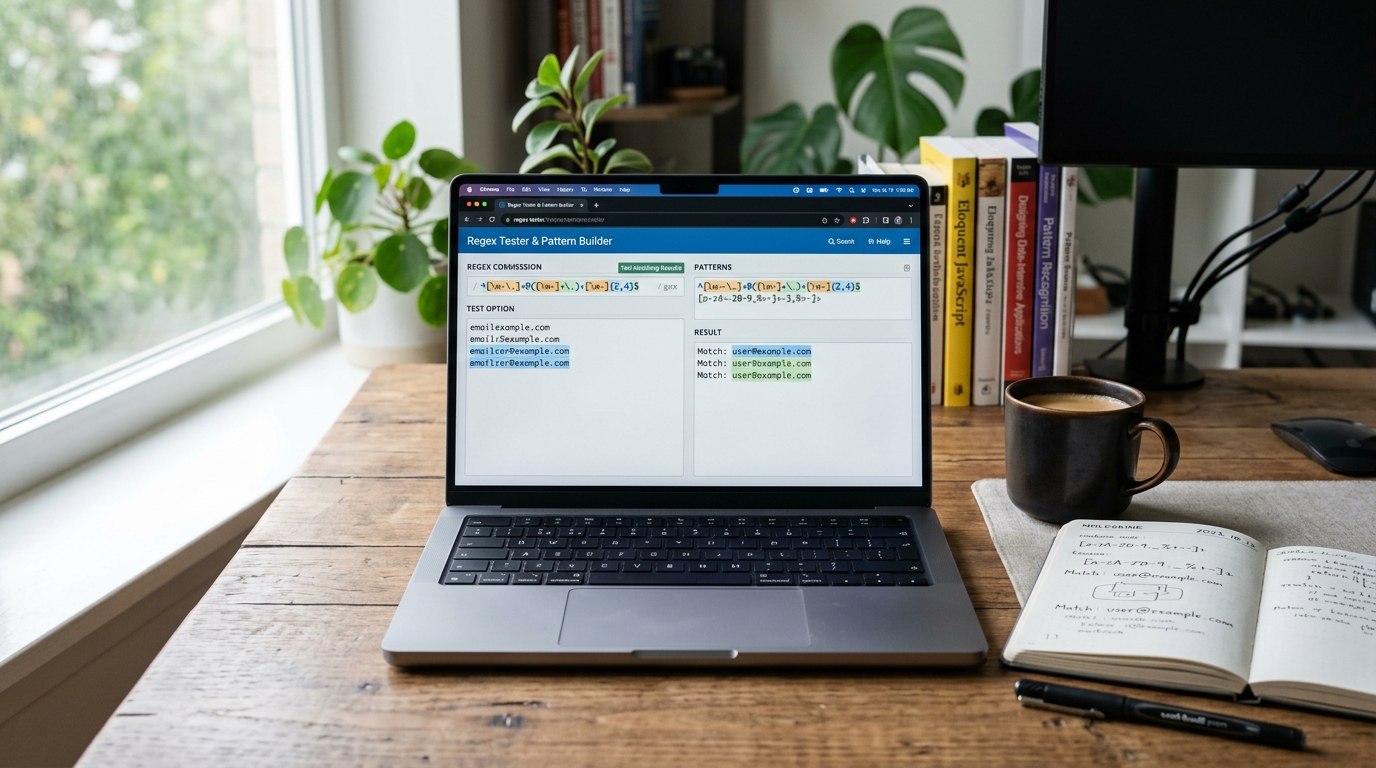
Regex is read-only until you test it. A pattern that looks airtight in your head often fails when it meets real strings: it matches too much, too little, or the engine times out. The test-first approach catches these misses before they hit production. A regex tester lets you paste a pattern, feed it test strings, and see exactly what matches and which capture groups extract. The anytools one runs the JavaScript engine entirely in your browser (nothing leaves the page), shows named and numbered capture groups, lets you toggle flags like g, i, m, and s, and has a replace mode for testing substitutions. You watch the behavior instead of imagining it.
The other win is speed. Instead of writing code, running a test suite, and waiting for the result, you get instant feedback in the browser. Edit a pattern, watch it re-evaluate, and iterate in seconds. By the time you port the regex into production code, you already know it works on the inputs you care about. The same test-before-you-ship instinct pays off outside regex, too — the cron syntax cheatsheet makes the identical case for a crontab expression: read it, then verify it, before it reaches a server.
The building blocks — what a pattern actually does
Before you can write a working regex, you need to understand what the pieces do and where they mislead.
Anchors lock your match to the edges. ^ matches the start of the string (or line, if the multiline flag is set), and $ matches the end. Without them, 123 will match inside "prefix123suffix". With them, ^123$ matches only the string "123" exactly. A classic mistake: forgetting the anchors and wondering why the pattern matches things it shouldn't. The catch is that the meaning of ^ and $ shifts with the multiline flag—JavaScript requires the /m flag to make them match line boundaries instead of string boundaries per MDN.
Character classes define what can match. [a-z] means "one lowercase letter." [0-9] means one digit. \d is a shorthand for digits, but here is the trap: in Python 3, \d matches any Unicode decimal digit, including Arabic-Indic (٠١٢) and Devanagari (०१२), not just 0–9. In PCRE, the default is ASCII-only [0-9] unless the PCRE2_UCP flag is set per Python docs. If your code expects \d to mean 0–9 but you port it to Python, you will silently start matching characters you never intended.
Quantifiers say how many times to repeat. + means one or more. * means zero or more. ? means zero or one. {2,5} means between 2 and 5 times. By default, these are greedy—they match as many characters as possible. The pattern <div>.*</div> will match from the first <div> to the last </div> in the string, swallowing everything in between. Rexegg documents that appending ? makes a quantifier lazy: <div>.*?</div> stops at the first </div>. For simple cases, lazy quantifiers look like the fix, but they are not a silver bullet. A lazy quantifier still backtracks, and if the closing tag is missing entirely, the engine will still explore multiple paths before giving up, which can trigger the ReDoS trap below.
Capture groups extract parts of the match. Wrapping a pattern in parentheses like (\d+)-(\w+) creates two capture groups. After a match, you can get the full match and each group separately. Named capture groups like (?<day>\d+)-(?<month>\w+) label the groups so you do not have to count them—clearer code, fewer off-by-one bugs. JavaScript supports named groups and lookbehind (with fixed width), Python supports both, PCRE supports both, but POSIX ERE does not per POSIX spec. The caveat: your regex has to run on an engine that has these features.
The flavor problem — your regex works here, breaks there
Regex flavors are dialects of the same core language, and they diverge in ways that create silent bugs.
POSIX ERE is the baseline. It supports +, *, ?, {m,n} quantifiers, grouping, and alternation. It does not have lookahead, lookbehind, backreferences, or named groups — those are PCRE/Perl/Python/JavaScript extensions. If you are writing a regex for a system tool like grep or sed, or for a simple validation library, POSIX is what you are getting.
Python re module matches Unicode by default. As noted above, \d is the Unicode decimal class in Python 3. \w matches any Unicode word character, not just ASCII. This is convenient for internationalization but breaks assumptions if you are porting from PCRE-land where \d means ASCII 0–9.
PCRE (and Perl) offer the most features. Lookbehind, backreferences, named groups, atomic groups, possessive quantifiers—if it feels like a regex superpower, PCRE probably has it. The cost is complexity and portability. A PCRE pattern does not work in JavaScript or Python without adjustment.
JavaScript has most modern features but fixed-width lookbehind. Named groups, lookahead, lookbehind (kind of)—all supported. The catch: a lookbehind assertion like (?<=user_) must have a fixed-width pattern, meaning you cannot use + or * inside it. (?<=[a-z]+) will throw a syntax error in JavaScript per MDN. PCRE allows variable-width lookbehind, which is more powerful but slower.
RE2 and Go regexp prioritize speed over features. They guarantee O(mn) linear-time matching (where m is the pattern size and n is the input), making them immune to catastrophic backtracking. The trade-off: no lookbehind, no backreferences, no possessive quantifiers. If you care more about security and speed than feature completeness, RE2 is the right pick. Google built it to handle user-supplied patterns safely.
The ReDoS trap — why ^(a+)+$ can hang your server
This is the most underrated regex threat. A pattern can be syntactically valid and semantically pointless but still cause the regex engine to hang or timeout when it tries to match certain inputs. This is called catastrophic backtracking or ReDoS (Regular expression Denial of Service), and it happens when nested quantifiers force the engine to explore exponentially many paths.
The canonical example is ^(a+)+$. Feed it the string aaaaaaaaaaaaaaa! (fifteen as followed by !). The engine tries to match the pattern. The outer + is greedy, so it consumes all fifteen as. The inner + also is greedy, so it wants more. The engine backtracks, giving the inner + fewer characters, and tries again. It keeps trying different splits of the as between the two quantifiers. For just 16 as followed by a mismatch, the engine explores 65,536 possible backtracking paths—exponential. Double the input length, and the number of paths explodes.
If you can use a regex tester to feed this pattern a test string of 20+ as followed by a non-matching character, you will see the hang or timeout in real time. The fix is to avoid nested quantifiers. ^a+$ does the same job without the trap. For more complex patterns, the real solution is to use an engine like RE2 that rejects backtracking entirely and guarantees linear time.
The catch: nested quantifiers are often accidental. A pattern like (col|column)umn? looks innocent, but if a user supplies input that does not match, the engine can get stuck trying different ways to split the input between the two quantifier-like alternatives. This is why accepting user-supplied regex patterns is dangerous. Always validate with RE2 or restrict the pattern to a whitelist.
For patterns you write yourself and test, the risk is lower, but it is still real if you accept regex patterns from external sources (a configuration file, an API parameter, user input). Test them in a regex tester with edge cases first.
The classic trap — email validation is harder than it looks
Email validation sounds simple: ^[a-zA-Z0-9.+]+@[a-zA-Z0-9]+\.[a-z]{2,}$. It's not. RFC 5322 (the email spec) allows =, _, and other characters in the local part that most regexes do not. More subtly, a greedy quantifier like .+ will match too far. In user.email@example.com, the pattern ^[a-zA-Z0-9.+]+@ will consume all characters up to the last @ if there are multiple, which is wrong. The "correct" regex that handles all RFC 5322 cases is so long and gnarly that experts argue it is not worth writing.
The practical solution: do not validate email with regex. Accept the input, send a confirmation email to that address, and confirm the user received it. That is the only real validation. If you do want a quick regex check to catch obvious typos—no @, no domain—use something permissive like ^[^\s@]+@[^\s@]+$ (anything except whitespace or @ on both sides) and let the confirmation step handle the rest. Test a few real-world emails (including first.last+tag@example.co.uk) in a regex tester before you decide a pattern is good enough.
How regex flavors really differ — a quick matrix
| Engine / Flavor | Lookbehind | Named groups | Backreferences | Unicode \p{} | Linear time (ReDoS-safe) |
|---|---|---|---|---|---|
| POSIX ERE | ✗ | ✗ | ✗ | ✗ | ✓ (simple) |
Python 3 re | ✓ (fixed-width) | ✓ ((?P<name>)) | ✓ | Partial (\w/\d Unicode-aware; \p{} only in the regex module) | ✗ |
| PCRE | ✓ | ✓ (?<name>) | ✓ | ✓ | ✗ |
| JavaScript | ✓ (fixed-width only) | ✓ (?<name>) | ✓ | ✓ (with u flag) | ✗ |
| RE2 / Go | ✗ | ✗ | ✗ | Limited | ✓ (guaranteed O(mn)) |
The key insight: more features do not mean safer or faster. RE2 is intentionally limited to avoid ReDoS and guarantee linear time. Python and JavaScript offer flexibility for complex patterns. POSIX is the lowest common denominator. Pick the engine that matches your constraints—if speed and safety matter more than features, pick RE2 or Go's regexp. If you need the features, accept the backtracking risk and validate patterns in a tester first.
Common patterns—and why each one is incomplete
A quick cheatsheet of patterns you will reach for, with the honest caveat that each is imperfect and assumes your specific use case.
Phone number (US-ish): ^\d{3}-\d{3}-\d{4}$ matches 555-123-4567. But it does not handle extensions, country codes, or spaces. And remember: \d is Unicode in Python, ASCII in PCRE. Better to parse and validate separately.
ISO date (YYYY-MM-DD): ^\d{4}-\d{2}-\d{2}$ matches the format but does not check if the date is valid (does February 30 exist?). Validate the format with regex, then parse and validate the logic in code.
URL (simplified): ^https?://[^\s]+$ allows any character after the domain except whitespace. Real URLs are messier (query params, fragments, encodings). Use a URL parsing library if you need precision.
CSV line: ^[^,]*,[^,]*,[^,]*$ matches three comma-separated fields with no special handling for quoted fields or escaped commas. A regex will never handle CSV correctly; use a CSV parser.
Each pattern above works for its narrow case but breaks on variants. Always run real test strings (edge cases, international characters, weird formatting) through a regex tester before you commit.
Companion tools once you have a pattern. After you have crafted a regex pattern, you often need to manipulate the matched strings. A text case converter handles converting matched output to the case you need. For debugging or logging regex results, a JSON formatter beautifies the match objects so you can see capture groups clearly. And if your regex is meant to validate URL components, a URL encoder tests whether your pattern plays nicely with URL-safe characters. If the string you're matching looks like a JWT segment or a data URI, remember what a regex can and can't tell you about it: it can confirm the shape fits the Base64 alphabet, but Base64 itself is an encoding, not encryption, so a pattern match is never proof the payload is safe.
So which engine should you actually pick?
Three quick rules cover most cases. Matching patterns from untrusted users (a search box, an API field, a config file someone else edits)? Use RE2 or Go's regexp — the linear-time guarantee is worth losing lookbehind. Writing a pattern for your own code in Python, JavaScript, or a PCRE tool? Use the engine your language already ships; just remember the digit shorthand and lookbehind differences when you copy a pattern between them. Doing a one-off match in a shell tool like grep or sed? You're on POSIX, so skip lookaround and backreferences entirely.
Whichever you land on, build the pattern incrementally and watch it run before it touches production.
The bottom line
Bottom line: Build patterns step by step in the anytools regex tester, test them on the engine you will actually ship on, and learn the traps for that flavor. Avoid nested quantifiers, prefer negation (
[^<]) over lazy quantifiers, and never validate email with a single regex — accept the input, confirm it separately, and let code check the logic. For untrusted patterns, reach for RE2; for your own, paste them into the tester with a few ugly edge cases before you commit.